Tasks
Start a task
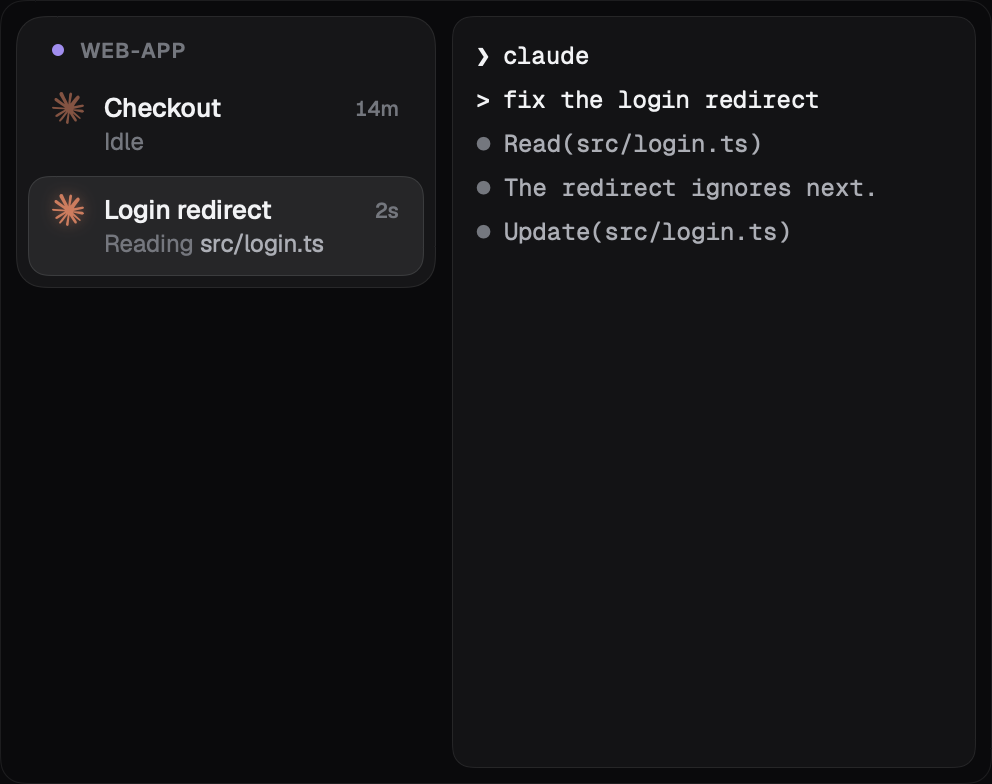
Press ⌘N whenever you have something to hand off. You get a fresh terminal on its own branch, so run claude or codex and say what you need. Start as many as you like. They never get in each other's way.
Attention
Never miss a question
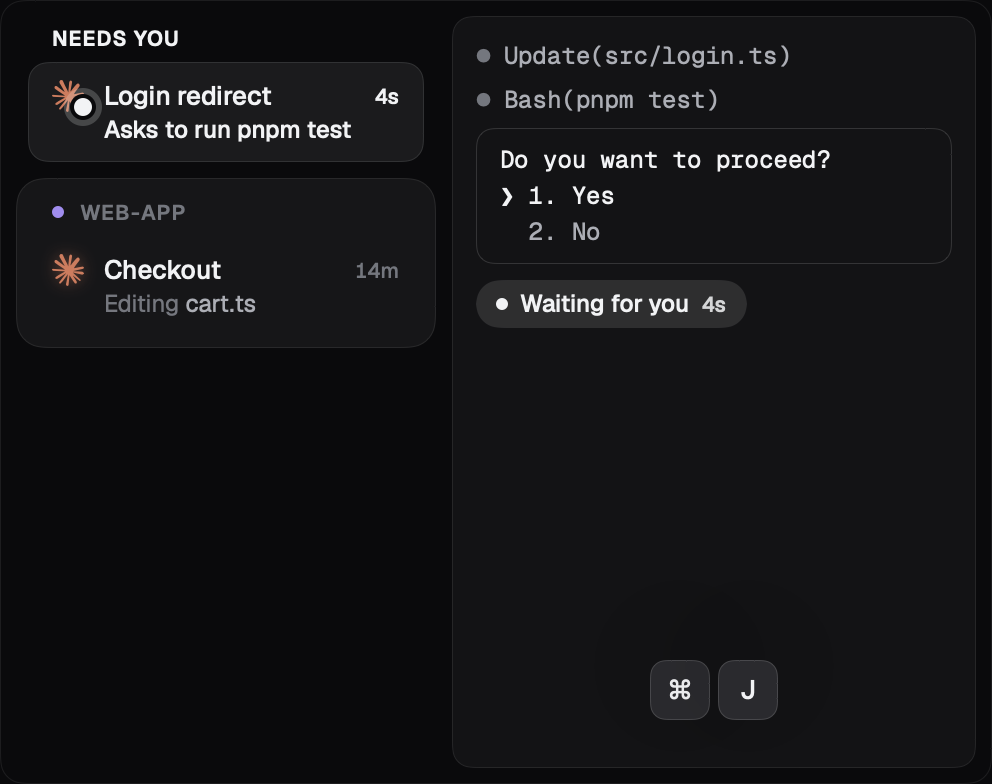
When an agent needs you, it moves to the top of the sidebar where you can't miss it. Press ⌘J to go straight to it. If you're in another app, the menu bar lets you know.
Workspace
See what your agents make
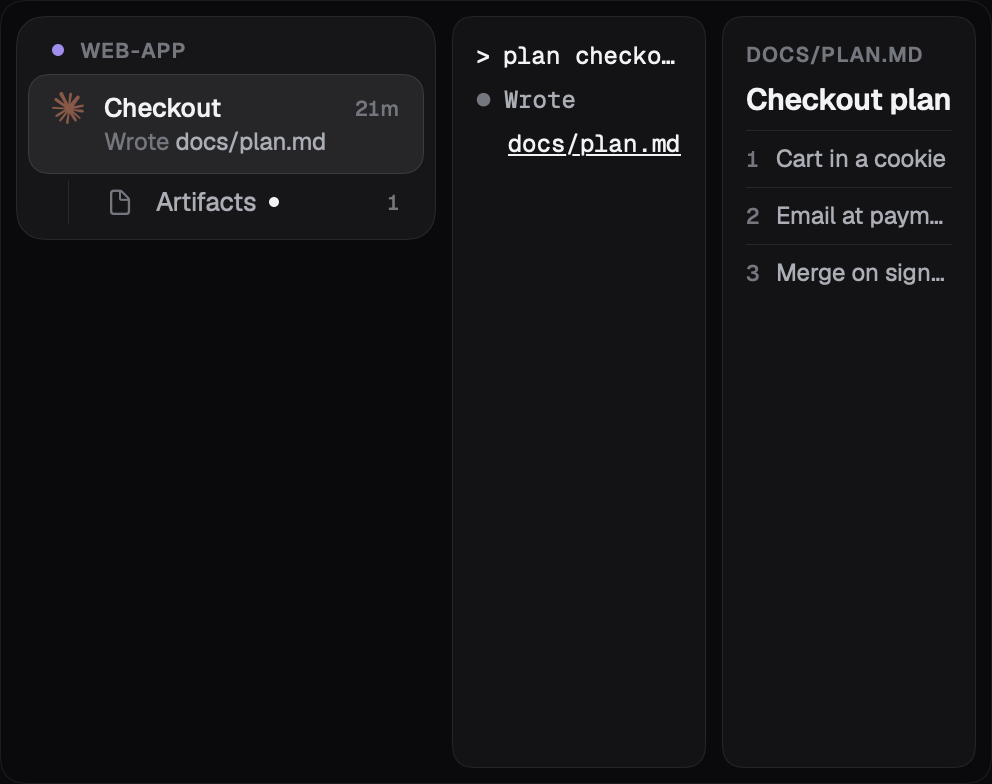
⌘-click any file path in a terminal and it opens right beside it. Press ⌘D to split a pane and keep more in view. The plans, images and pages your agents create are collected under Artifacts.
Review
Review with confidence
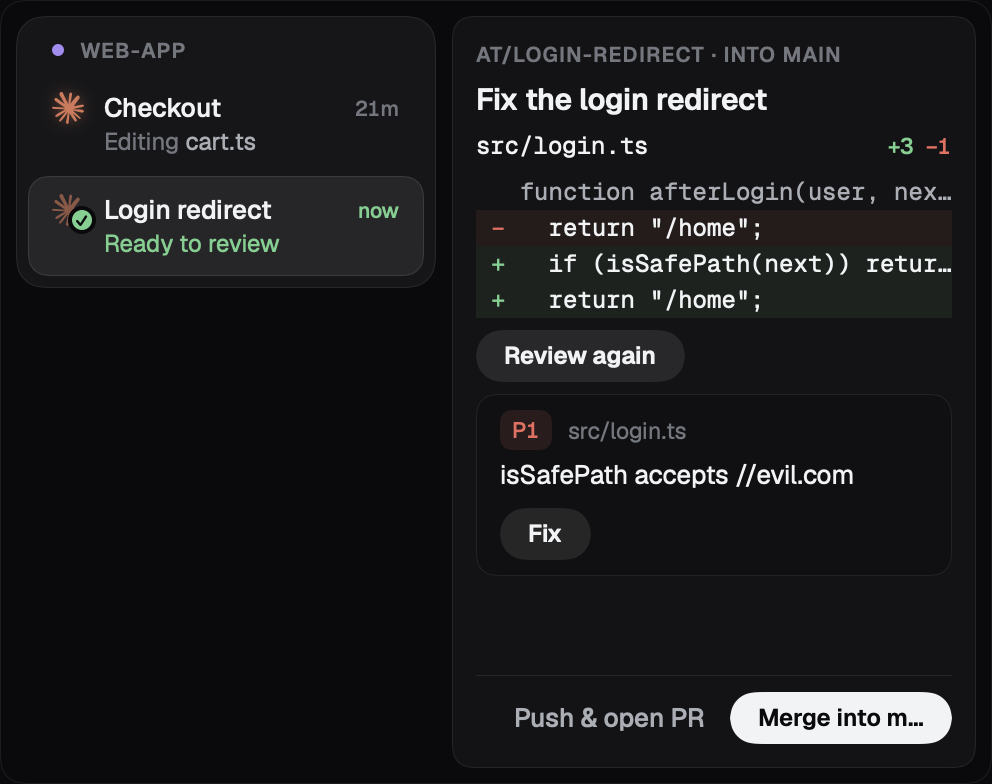
When a task is done, its full diff is waiting for you. Review with AI brings in a second agent to check it, Fix sends what it finds back to be fixed, and Merge lands the work on main when it looks right.
Agents
Let agents start tasks
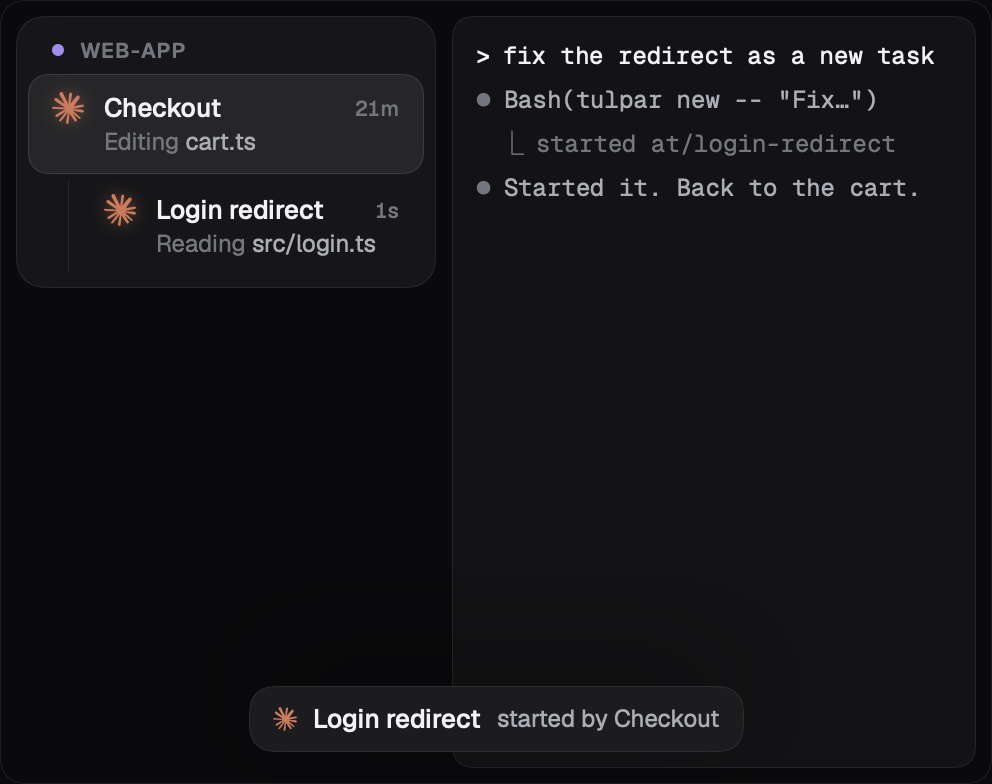
Ask an agent to do something as a new task and it sets one up for you, with its own branch and its own agent. It sits under the task that started it, and it's still yours to review.